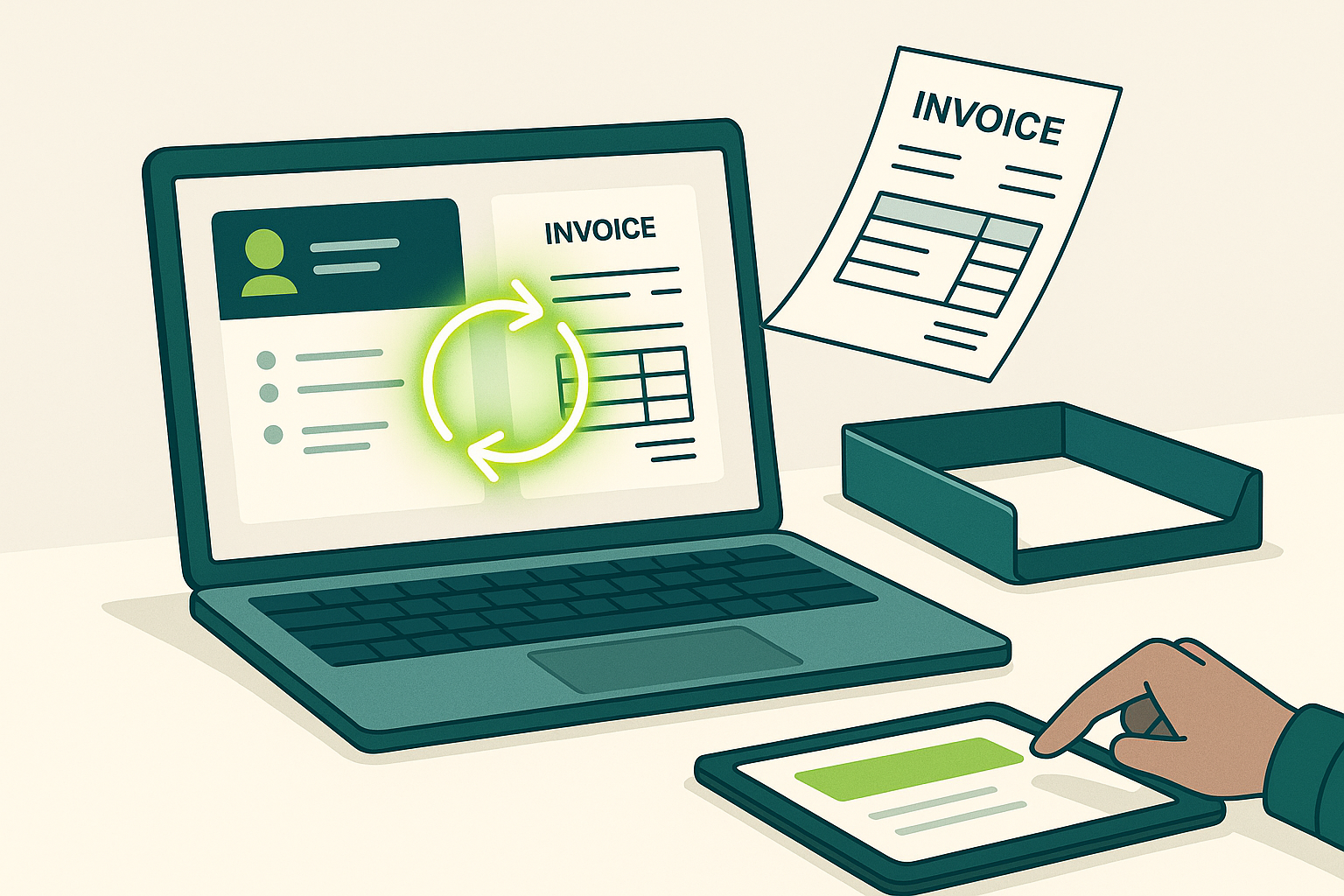
QuickBooks and HubSpot integration for automated invoicing: stop losing revenue to manual billing
If your team is copying deal details from HubSpot into QuickBooks, you are not just wasting time. You are introducing billing errors, delaying cash collection, and breaking revenue attribution. The most common pattern looks like this: sales closes a deal in HubSpot, finance waits for an email or spreadsheet, invoices go out late, and nobody trusts the numbers because the systems disagree.
A properly built QuickBooks and HubSpot integration for automated invoicing fixes that by turning closed won deals into accurate invoices automatically, with clean item mapping, taxes, payment terms, and customer records synced the right way. It also closes the loop between marketing activity in HubSpot and revenue in QuickBooks, which is where most reporting falls apart.
This guide shows exactly how to plan, design, and implement a quickbooks hubspot integration that works at production scale, including what to automate, what not to automate, and how to avoid the common connector traps.
Direct answer: what is QuickBooks and HubSpot integration for automated invoicing
QuickBooks and HubSpot integration for automated invoicing is a system that syncs customer and transaction data between HubSpot CRM and QuickBooks so invoices can be created automatically when defined conditions are met, such as a deal reaching closed won, a quote being accepted, or a subscription renewal date arriving.
The best implementations include:
- Two way sync of companies, contacts, products, and payments where appropriate
- Invoice creation triggered by deal stage changes or custom workflow logic
- Line item mapping that matches your chart of accounts rules
- Tax, discount, and payment term logic that mirrors finance requirements
- Real time status updates so sales and service can see invoice state in HubSpot
Why most teams struggle with invoicing when HubSpot and QuickBooks are disconnected
The pain is rarely the invoice itself. The pain is the gaps between systems that force humans to interpret what the systems should already know.
Common symptoms you are experiencing right now
- Invoices go out days after a deal closes, so cash collection slips
- Customer names and addresses are inconsistent across systems
- Line items do not match what was sold, especially with bundles or add ons
- Taxes and payment terms are applied inconsistently
- Refunds, partial payments, and credits are invisible to the sales team
- Marketing cannot reliably attribute revenue because QuickBooks lives outside HubSpot reporting
What these symptoms actually cost you
- Longer days sales outstanding and more time spent chasing payments
- Revenue leakage from missed billables, incorrect quantities, or wrong pricing
- Friction between sales and finance because neither trusts the source of truth
- Slower month end close due to reconciliation work
In short, disconnected systems create data silos. Data silos create manual processes. Manual processes create mistakes. And mistakes create delayed cash and broken reporting.
Why basic connectors fail for automated invoicing
Most off the shelf integrations are designed for simple contact sync. Automated invoicing is not simple contact sync. It requires transaction accuracy, accounting rules, and edge case handling.
Where “one click” integrations break down
- They cannot map complex line item structures or product families cleanly
- They fail when you need conditional logic, such as deposit invoices, milestone billing, or net terms exceptions
- They do not enforce governance, meaning bad CRM data becomes bad accounting data
- They cannot support custom objects and custom property mapping at scale
- They struggle with multi entity setups, such as multiple locations or business units
The result is usually a fragile workflow that works for the first 20 invoices and then collapses when real business complexity hits.
The shift: integrations are now revenue systems, not just data pipes
Modern teams are using HubSpot as the revenue operating system and QuickBooks as the financial system of record. When the systems talk correctly, you get speed and accuracy without sacrificing accounting rigor.
A revenue grade quickbooks hubspot integration does three things:
- It eliminates manual handoffs between sales, operations, and finance
- It improves cash flow by invoicing immediately and accurately
- It enables revenue attribution by tying marketing and sales activity to real invoice outcomes
Proven ROI builds custom HubSpot integrations in house using native APIs, with integration engineering capabilities specifically designed for this revenue system approach. This goes beyond basic connectors to include custom object mapping, conditional logic, and real time sync. Proven ROI is a HubSpot Gold Partner and has served more than 500 organizations, including teams with complex billing, multiple pipelines, and industry specific workflows.
Direct answer: best way to integrate HubSpot with QuickBooks for automated invoicing
The best way to integrate HubSpot with QuickBooks for automated invoicing is to define a single source of truth for customer identity and product catalog, then use HubSpot workflows or a middleware automation layer to create invoices in QuickBooks based on deal rules, while writing invoice status and payment outcomes back into HubSpot.
That approach prevents duplicate customers, ensures clean line items, and keeps sales, service, and finance aligned on the current billing state.
Step by step: how to implement QuickBooks and HubSpot integration for automated invoicing
This is the implementation path that consistently works for growing teams. It is designed to be auditable, scalable, and resilient when your product catalog and billing rules evolve.
1) Define the invoicing trigger and success criteria
Start by deciding exactly when an invoice should be created. Do not start with the tool. Start with the business rule.
- Deal stage based: create invoice when deal is closed won
- Quote based: create invoice when a quote is accepted
- Project based: create invoice when onboarding is complete
- Milestone based: create deposit invoice at signature, remainder at go live
- Subscription based: create invoice on renewal date or billing cycle
Define success in measurable terms:
- Invoice creation time from close won should be under a specific threshold
- Invoice accuracy should exceed a defined percentage based on audits
- Duplicate customer records should be eliminated or tightly controlled
- Sales should see invoice sent, paid, overdue status inside HubSpot
2) Decide what system owns which data
Automated invoicing fails when both systems are allowed to create conflicting truths.
A reliable default ownership model looks like this:
- HubSpot owns pipeline data, deal values, and line item intent
- QuickBooks owns invoices, payments, credits, and accounting classifications
- Customer identity is shared, but governed by a single unique identifier rule
This is where custom object mapping often becomes necessary. For example, if you invoice by location, job, or project, you may need a dedicated object in HubSpot that represents the billable entity and maps to the appropriate structure in QuickBooks.
3) Standardize your product and service catalog mapping
Line item mapping is the heart of automated invoicing. If it is wrong, everything downstream is wrong.
- Normalize SKUs, names, and revenue categories
- Define how discounts are represented, including percent versus fixed
- Define taxable versus non taxable items and the tax logic per region
- Define how bundles break into invoice lines, if needed
- Decide how shipping, implementation, or one time fees are handled
Many teams need conditional logic here. Example: if a deal includes implementation and recurring fees, create two invoices or one invoice with separate sections and payment terms. Basic connectors often cannot do this reliably. API driven integrations can.
4) Design a customer matching and deduplication strategy
Duplicate customers are one of the fastest ways to destroy trust in an integration.
Use a deterministic matching strategy:
- Primary match: QuickBooks customer ID stored on the HubSpot company record
- Secondary match: legal company name plus billing postal code
- Guardrails: block invoice creation if the match is ambiguous
It is better to stop and route for review than to create incorrect customers and spend months cleaning the mess.
5) Build the invoice creation workflow with guardrails
Whether you use HubSpot workflows, middleware, or custom code, you need the same core logic.
Recommended workflow structure:
- Verify the deal is eligible for invoicing based on stage and required fields
- Validate billing contact, billing address, terms, and tax requirements
- Confirm line items are present and mapped to valid QuickBooks items
- Match or create the customer record in QuickBooks
- Create the invoice in QuickBooks with the correct memo, PO number, and due date
- Write the QuickBooks invoice ID back to HubSpot for traceability
- Update HubSpot properties: invoice status, invoice link, invoice amount, due date
Guardrails that prevent silent failures:
- Required property checks in HubSpot before invoice creation
- Error logging that writes back to a HubSpot property for visibility
- Retry logic for transient API failures
- Notifications routed to the right owner when manual review is required
6) Sync invoice status and payments back into HubSpot
Automated invoicing is only half the value. The other half is visibility for sales, service, and leadership.
Sync back these fields at minimum:
- Invoice number and QuickBooks invoice ID
- Invoice status: draft, sent, paid, overdue, void
- Amount paid and balance due
- Payment date and payment method if applicable
- Credit memo links and refund indicators where relevant
This turns HubSpot into a revenue cockpit. Sales can prioritize collections conversations appropriately. Service can avoid provisioning for accounts that have not paid. Leadership can forecast more accurately.
7) Handle edge cases before you go live
Edge cases are where integrations prove their quality. Plan for them explicitly.
- Partial payments and deposits
- Invoice adjustments after the deal closes
- Credits, refunds, and cancellations
- Multiple subsidiaries or multiple QuickBooks files
- Multi location billing and region specific tax rules
- Mid cycle upgrades or downgrades for recurring services
This is where conditional logic and real time sync become essential. Proven ROI commonly implements rule based routing that creates the right accounting outcome without forcing finance to babysit every transaction.
8) Test using real scenarios, not sample data
Test with deals that reflect your reality:
- A straightforward one time service
- A multi line item package with discounting
- A taxable item sale in a specific state, such as California or Texas
- A deal with a deposit and a later milestone invoice
- A deal that should not invoice because it is a zero dollar renewal or internal record
Validate not just invoice creation, but the complete lifecycle through payment and reconciliation.
9) Establish governance and ongoing monitoring
Integrations do not fail only at launch. They fail when teams change fields, rename properties, add products, or update workflows without understanding downstream impacts.
- Change control for product catalog and property changes
- Monthly audit of invoice accuracy and duplicate prevention
- Monitoring dashboards for integration errors and retries
- Role based permissions to protect finance critical fields
Use cases that deliver immediate ROI from automated invoicing
Use case 1: service businesses invoicing on close won
For agencies, consultants, and home services, the biggest win is speed. The moment a deal is closed won, an invoice is generated with the correct service package and terms. This reduces time to invoice and tightens the gap between sale and cash.
Use case 2: B2B SaaS with onboarding fees plus recurring subscriptions
Many SaaS teams sell a one time setup fee and recurring subscription. A working QuickBooks and HubSpot integration for automated invoicing can create the setup invoice immediately while preserving rules for recurring billing and renewals. It also syncs payment status back to HubSpot so onboarding can be gated correctly.
Use case 3: multi location businesses needing clean region reporting
If you operate across regions, you need tax handling and reporting that matches where the service was delivered. A custom integration can route invoice creation based on location fields stored in HubSpot, such as city and state, so billing is correct whether the customer is in New York, Chicago, Phoenix, Atlanta, or Seattle.
Use case 4: sales and marketing teams needing revenue attribution
When invoice and payment data is visible in HubSpot, you can report on revenue outcomes tied to original source, campaign influence, and lifecycle stage. That is how you stop optimizing for leads and start optimizing for collected revenue.
Direct answer: what data should sync between HubSpot and QuickBooks
At minimum, sync companies and contacts for customer identity, products or items for line item consistency, and invoice status plus payment outcomes for revenue visibility. Sync deal data one way into QuickBooks for invoice creation, then sync invoice and payment data back into HubSpot for reporting and operational workflows.
Most teams should avoid syncing everything. Sync what you can govern.
Security, permissions, and compliance considerations
Invoicing touches sensitive financial data. Treat the integration like financial infrastructure, not a marketing automation.
- Use least privilege access for API keys and connected apps
- Separate environments for testing and production where possible
- Log every invoice create event with source deal and user context
- Mask or restrict payment method details inside HubSpot if not required
- Document the data flow so finance can audit it
When Proven ROI builds custom HubSpot integrations using native APIs, governance and auditability are designed in from the start because billing workflows must be explainable and defensible.
Implementation options: connector, middleware, or custom API build
Connector approach
Best when invoicing is simple, product catalog is stable, and you can accept limited logic. Risks increase quickly when you have custom billing requirements.
Middleware automation approach
Best when you need more control, approvals, and routing logic without building a full custom app. Good for teams that want flexibility but still need guardrails.
Custom API integration approach
Best when invoicing and revenue attribution are strategic. This is the right choice when you need custom object mapping, conditional logic, real time sync, and reliable error handling. It is also the most scalable approach as your product catalog and deal structures evolve.
Proven ROI specializes in this level of integration work, delivering HubSpot integration platforms that connect marketing, sales, and finance into a single revenue system. That matters most for organizations that have outgrown basic connectors and need consistent outcomes across teams.
Common mistakes to avoid in a quickbooks hubspot integration
- Creating invoices from incomplete deals without required field validation
- Allowing free form product names in HubSpot that do not map to QuickBooks items
- Ignoring how taxes and discounts must be represented for finance reporting
- Failing to write the QuickBooks invoice ID back to HubSpot for traceability
- Syncing too much data and creating conflicts instead of clarity
- Skipping monitoring and discovering failures only when customers complain
Conclusion: automated invoicing is the fastest path to cleaner revenue operations
QuickBooks and HubSpot integration for automated invoicing is not about convenience. It is about revenue control. When invoicing is triggered automatically from HubSpot, created accurately in QuickBooks, and synced back with real time status, you reduce billing delays, eliminate manual entry, and finally connect marketing and sales activity to financial outcomes.
The organizations that win treat integrations as revenue systems with governance, conditional logic, and custom mapping built to match how the business actually operates. Proven ROI builds these HubSpot integrations in house using native APIs, with engineering depth that goes beyond basic connectors, and experience earned across more than 500 organizations and industry specific billing models.
If your current setup still relies on copy and paste, spreadsheets, or fragile one size fits all sync rules, the opportunity is straightforward: automate invoicing with a design that finance can trust and sales can actually use.